Upgraded from open source · Licensed builder
Your WinPE. Your brand. Built in a few clicks.
Universal Builder pairs the WinPE Launcher with the Universal Boot Builder — turn your apps, scripts, drivers and Windows profiles into a custom, branded ISO/USB, and let your customers build their own WinPE with no training.
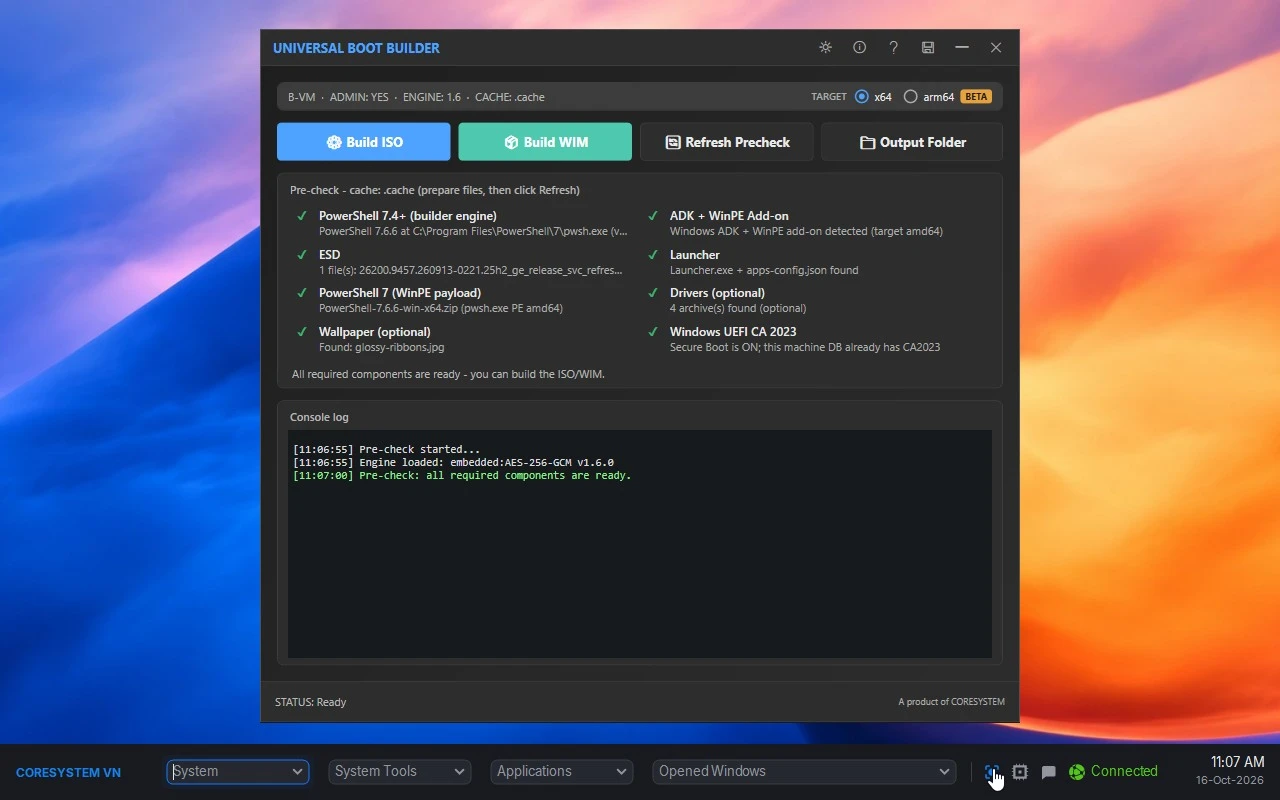
Universal Builder is a two-part toolkit for building your own WinPE media: the WinPE Launcher — running on the boot media — and the Universal Boot Builder — the licensed tool that assembles everything into a branded ISO or WIM.
Two tools, one toolkit
Same codebase · open-source or licensed
WinPE Launcher
A lightweight taskbar shell for WinPE — a single executable with the UI library and fonts embedded, native on x64 and ARM64. The open-source build and the licensed build are the same .NET 10 codebase; the licensed one adds Cloud Deploy and the deployment engine.
- Startup chain — auto-launch your apps the moment WinPE loads, centered on screen, so your tools are the first thing users see.
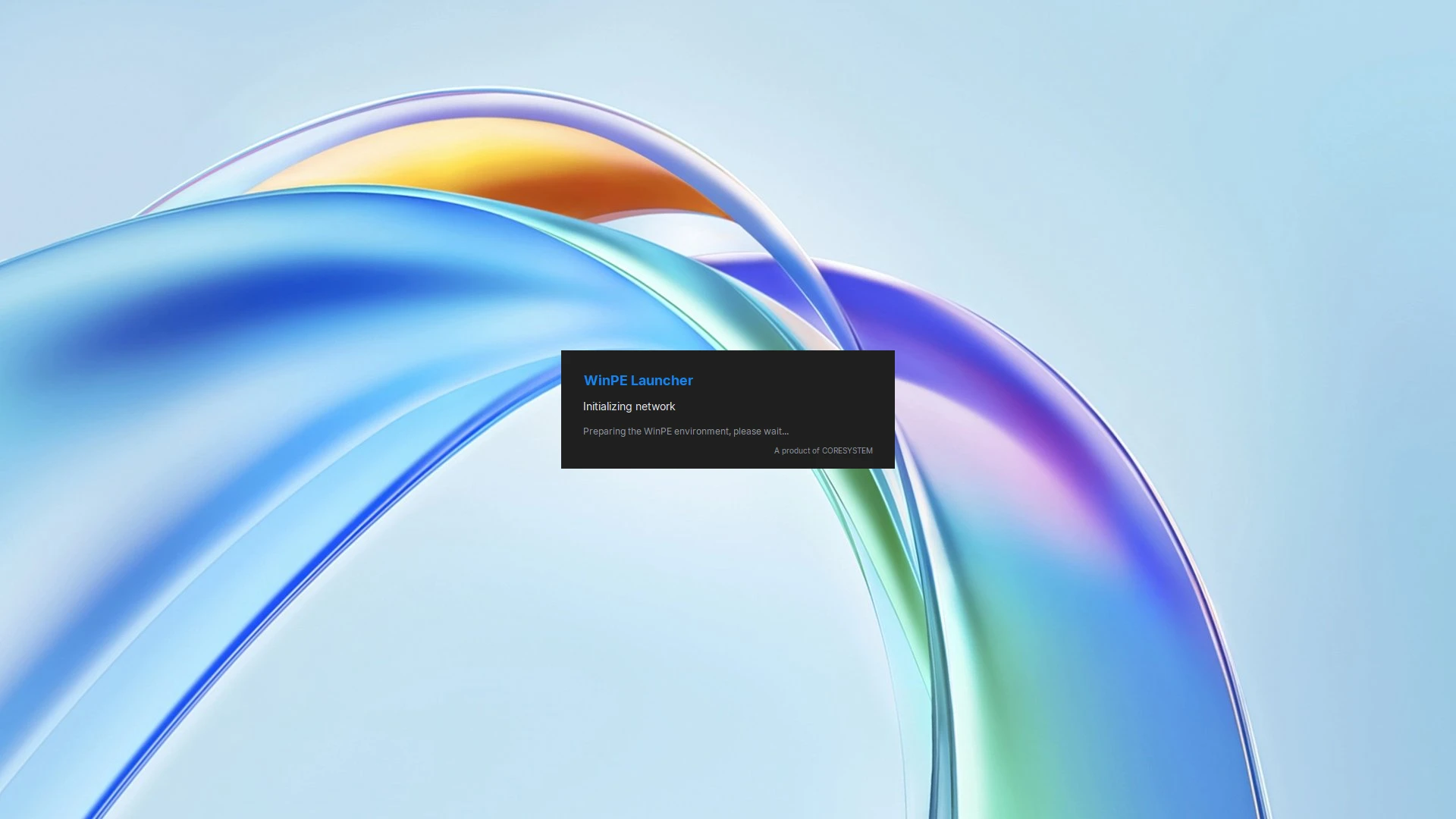
- Network ready — brings the network up at boot silently (no command window), so Cloud Deploy and online tools work right away.
- Applications & Scripts — launch your own portable tools, resolved from the media.
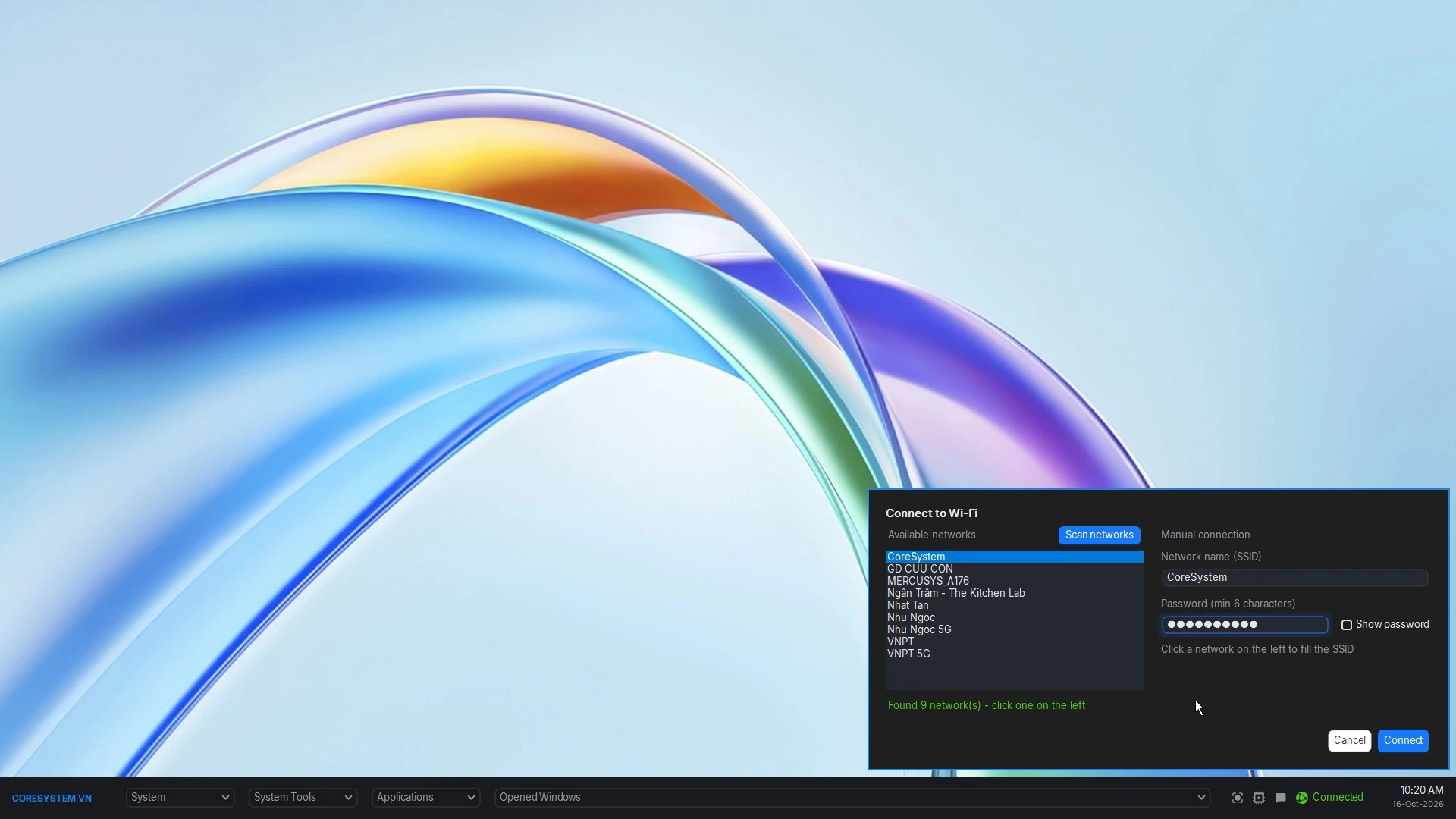
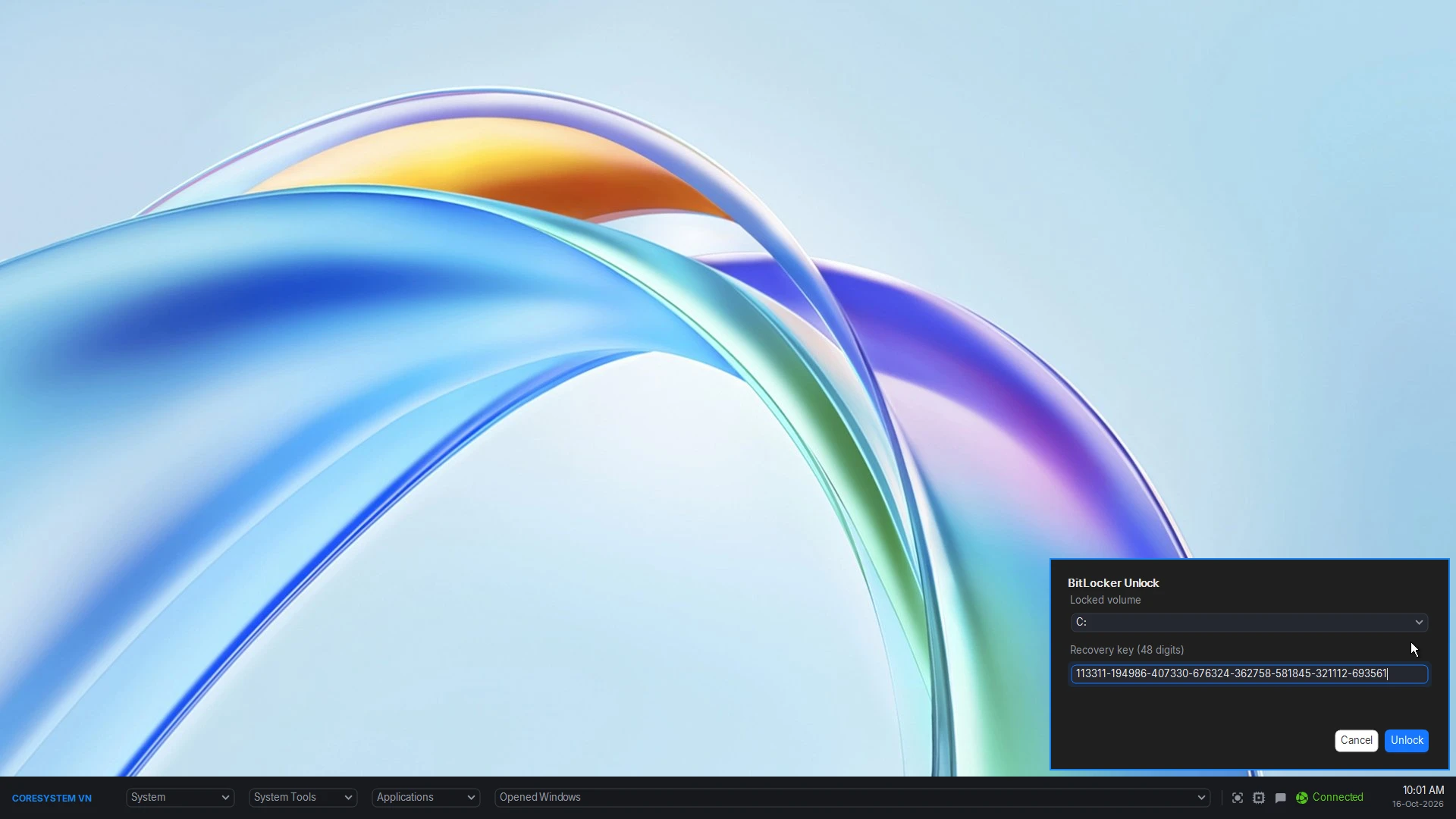
- System tools — Shutdown/Reboot, Wi-Fi, BitLocker unlock, clock sync, PowerShell 5.1 & 7.
- Opened Windows — jump between running programs.
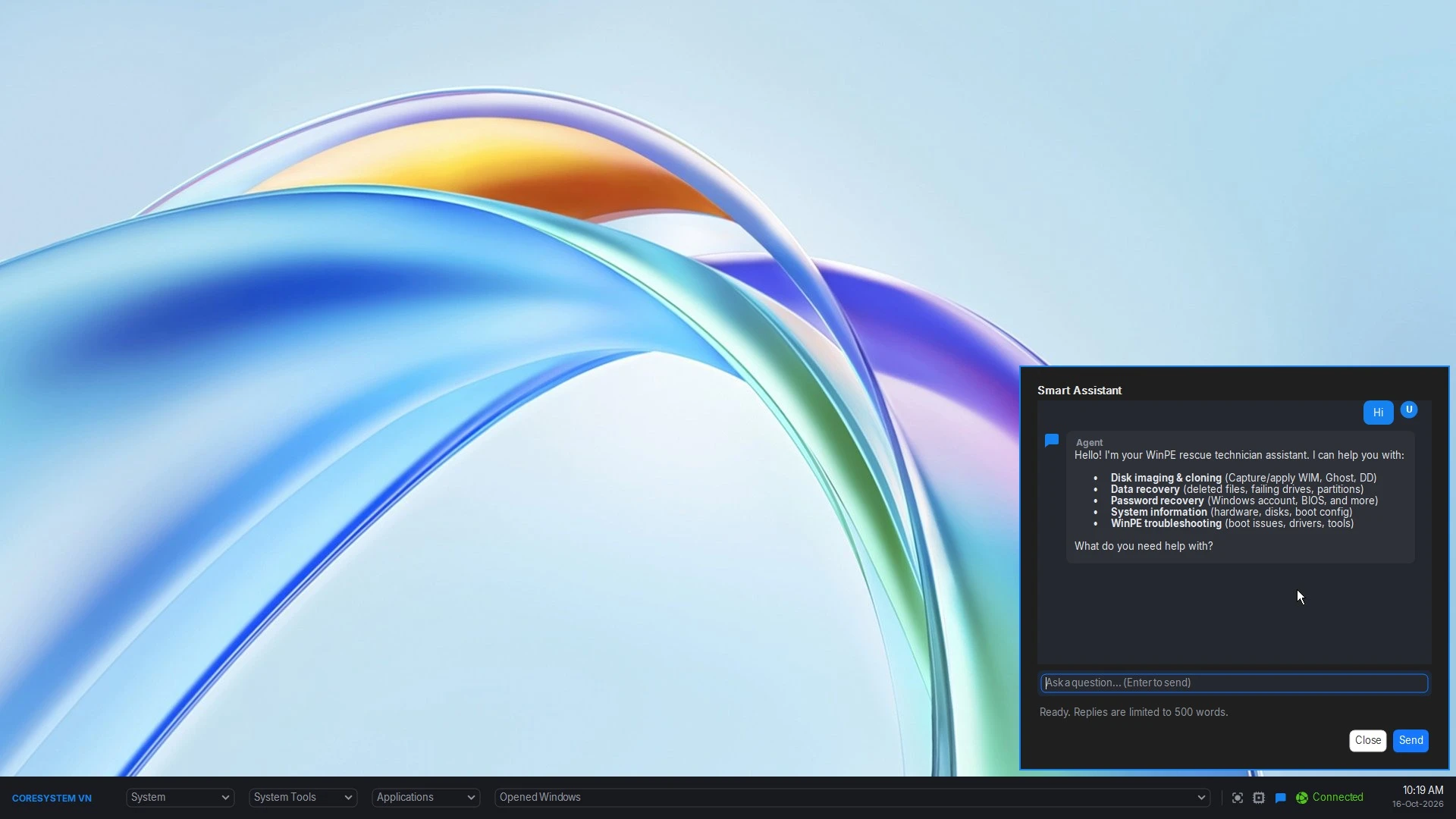
- Smart Assistant — an AI rescue technician (bring your own OpenAI-compatible endpoint).
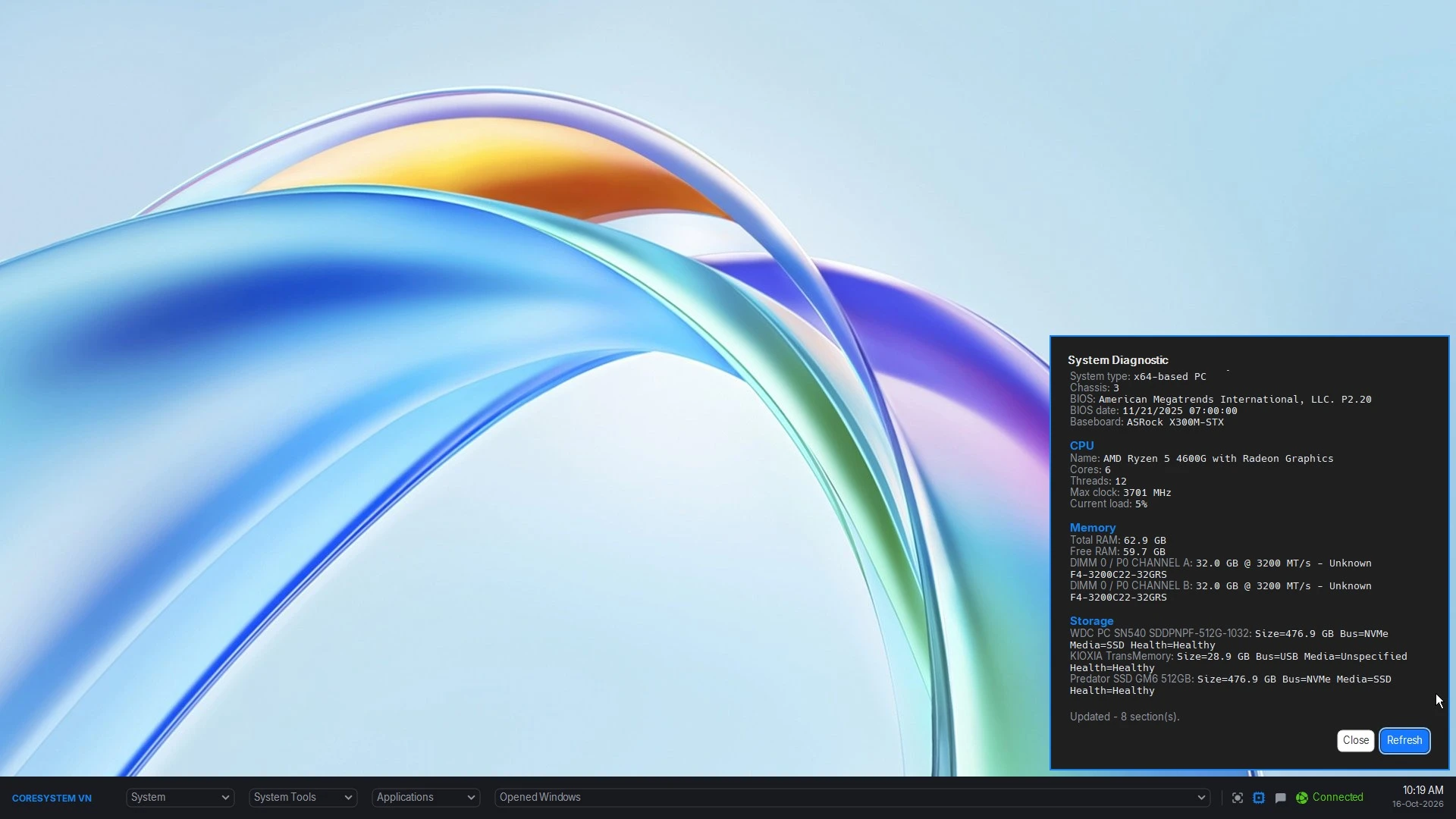
- System Diagnostic — hardware, storage, network and problem devices at a glance.
- Log Diagnostics — read the offline OS event logs (Application, System, Setup, Security, Hardware) straight from WinPE.
- Screenshot — full-screen capture from the bar or the PrintScreen key.
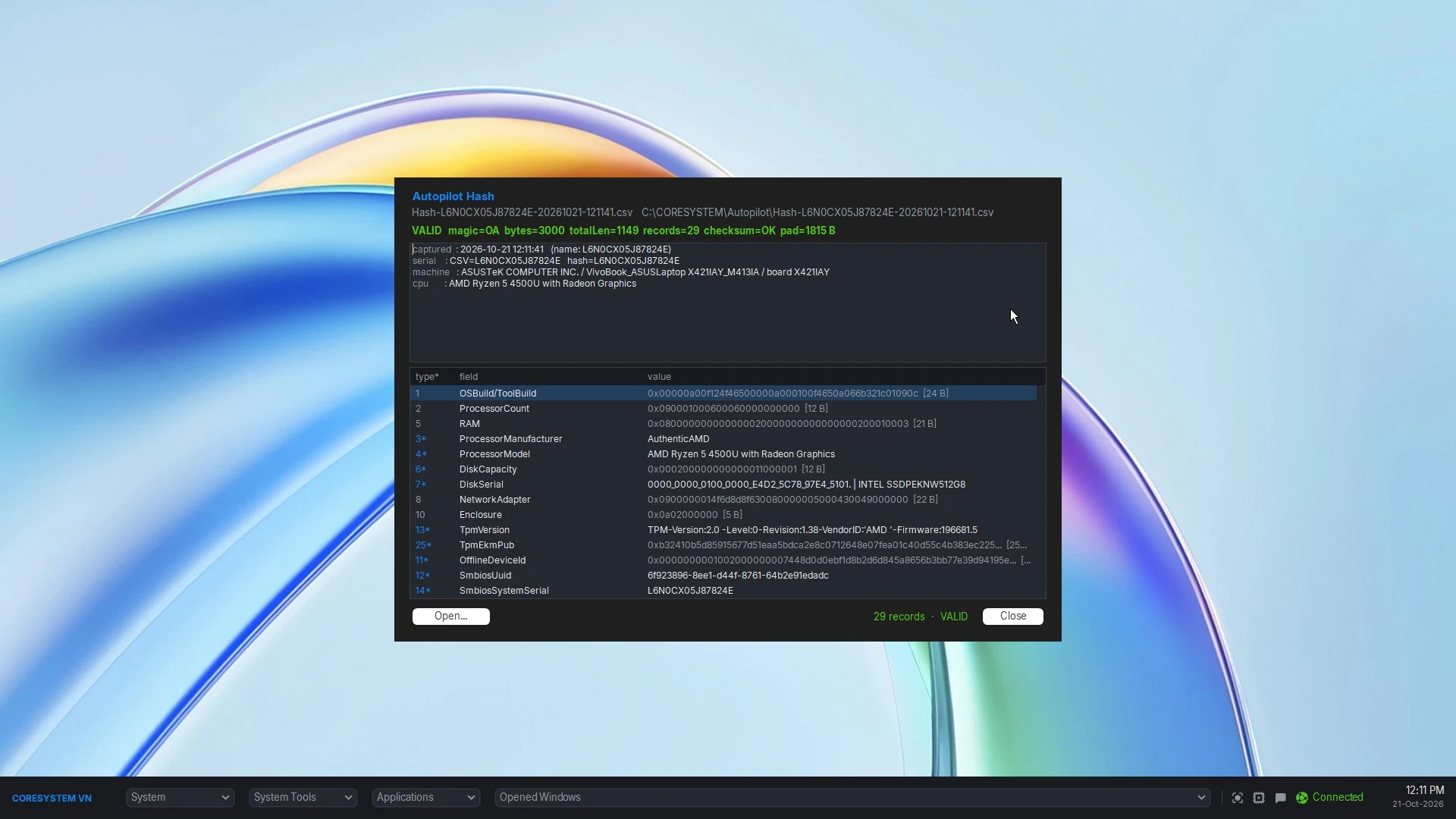
- Autopilot onboarding —
oa3tool /Reportwrites the hardware hash to a CSV, with an optional Intune group tag, and a built-in viewer decodes and validates it. For the machine that is not in an OEM's order. - Sharp on every panel — the bar and its dialogs are laid out in pixels and scale from one
uiScalevalue (1,1.25,1.5), so a 150% laptop gets the same geometry instead of shrunken, clipped dialogs. - Searchable menus — start typing in any selector to filter it; the fastest way through a long Applications list.
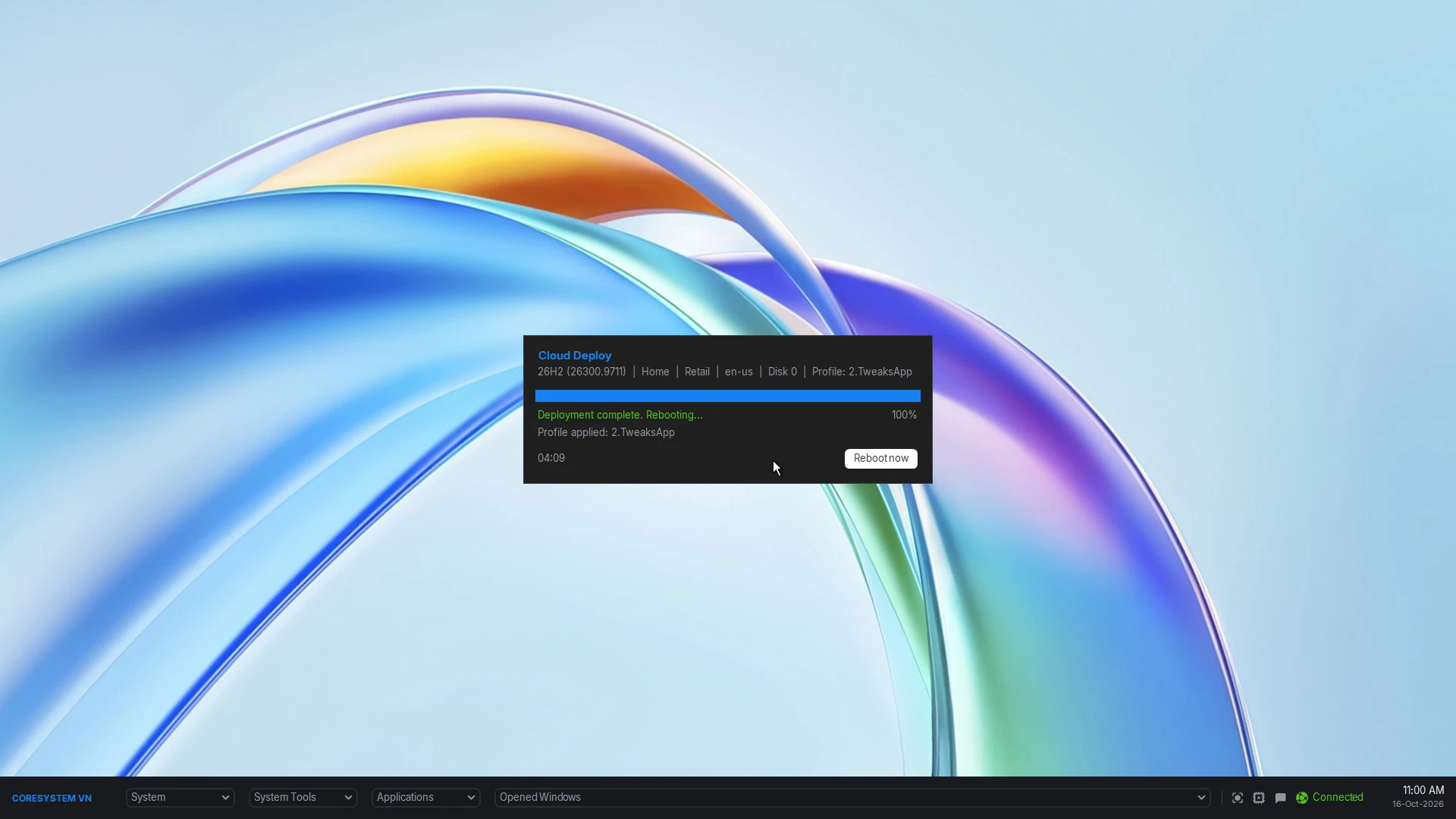
- Cloud Deploy — install Windows from an online ESD catalog, no server required.
Licensed
Universal Boot Builder
Turns a folder of components into a bootable WinPE image in a few clicks — everything happens in one window: run the pre-check, then click Build ISO or Build WIM. One x64 host builds media for x64 and ARM64.
- Build ISO or WIM for USB, disc, or PXE/network boot.
- x64 & ARM64 — a single x64 build host produces media for both architectures, each with its own cache and profiles.
- No WinPE scripting — the image is assembled and validated for you; you get a reliably booting WinPE without hand-building it.
- Vendor drivers injected automatically (Dell, HP, Intel, Lenovo, and custom packs).
- PowerShell modules, wallpaper, and Secure Boot (CA2023) handled for you.
- Built-in profiles prepared for the Launcher's Cloud Deploy.
- Pre-check shows exactly what is missing before you build.
Everything you can ship
Your portable apps, scripts and PowerShell modules, drivers, wallpaper and Windows profiles. Branding is yours too: the launcher bar title (whitebox) and the WinPE wallpaper both carry your name and logo — the result is a self-contained boot environment that looks and behaves like a product of yours.
Built for MSPs & ISVs
The Builder is licensed so you can pass the toolkit — and a license — to your own customers, and they build their own WinPE. That keeps everyone on the right side of the line:
- Your apps, front and centre. The startup chain launches your tools automatically the moment WinPE loads — before the user clicks anything.
- No policy conflict. Your customers build their own media; you don’t pre-build and distribute WinPE images, which conflicts with Microsoft’s policy.
- No legal exposure. A partner license authorizes you to use and redistribute the toolkit.
- Licensing stays with the customer. Installing requires a licensed machine, and re-imaging an OEM machine requires reimaging rights under a Microsoft Volume Licensing agreement. The toolkit installs from Microsoft’s official channel.
- Bring your own guide. The bundled manual is a starting point — publish your own for your customers.
- Grow together. We partner on outreach: links, logos, testimonials and joint posts.
How it works
- Prepare — drop the ESD, the Launcher and your payload into
.cache(or.cache-arm64for ARM64). - Build — click Build ISO or Build WIM.
- Boot — write the ISO to USB (or serve the WIM over PXE) and go.
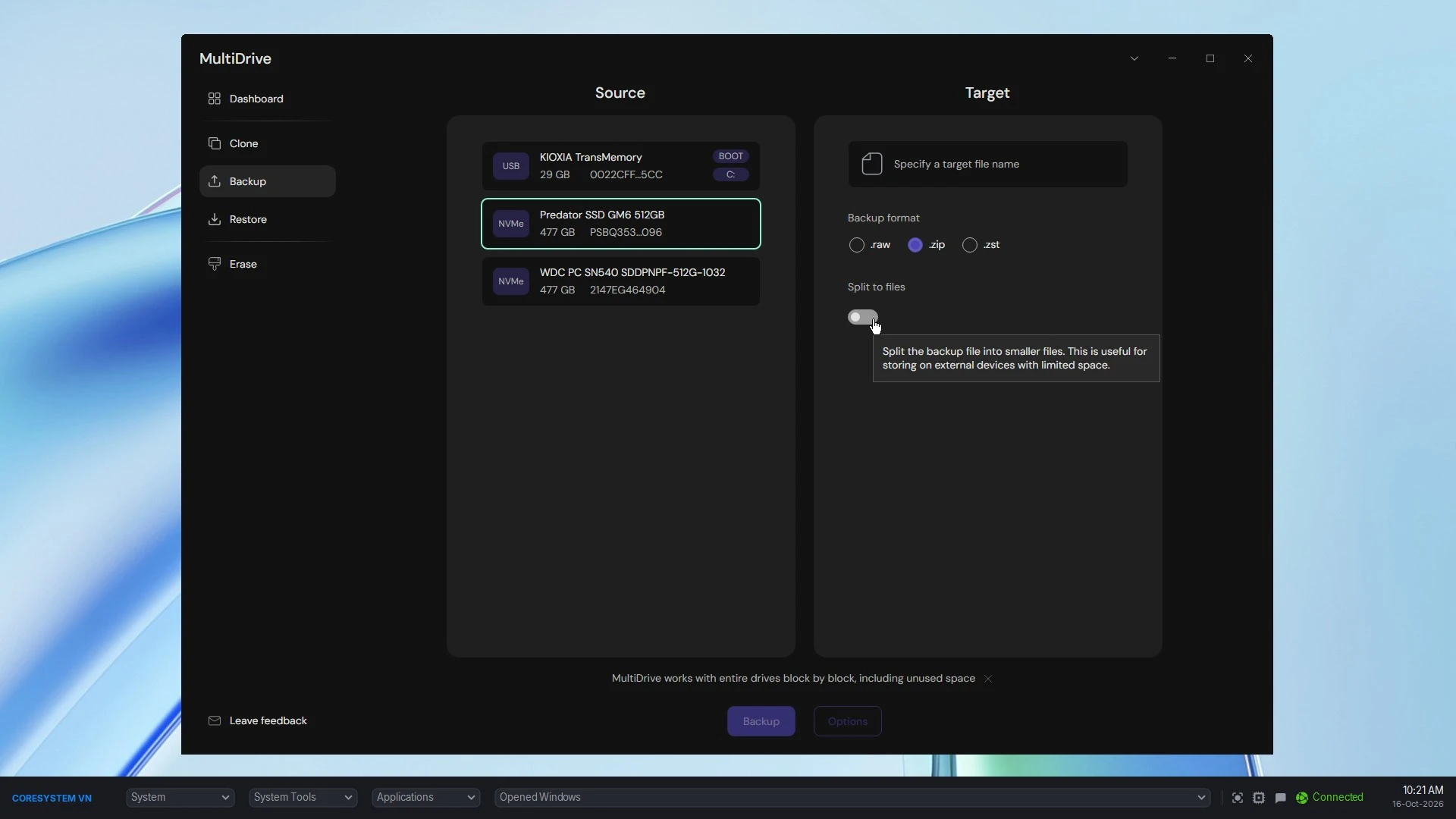
The WinPE Launcher, up close
Everything below ships inside the media you build, and is available right from the launcher bar.
Get started
- Open-source Launcher project — the same .NET 10 launcher without Cloud Deploy or the deployment engine, for teams that build their own WinPE: https://github.com/withcoresystem/WinPE-Launcher
- Builder manual:
MANUAL.md, bundled with the tool. - Partnership: inquiry@coresystem.vn
Trust & integrity
Both tools are native single-file executables, and every release publishes a SHA-256 hash.
The Builder also ships a YubiKey signature (.sig) and verifies it before running, so a modified or repackaged build is refused at the source.
The Launcher is deliberately not signature-gated — that is what lets you compile your own binary from the open-source project and drop it into the build. If you use the official binary, verify it against the published SHA-256.
Support scope
Deliberately narrow, so the tools stay good:
- In scope — product defects in the Builder or the Launcher, and gaps in the manual.
- Out of scope — deployment planning, scripts and profiles you author, third-party tools, your own catalog, older releases.
Docs come first: MANUAL.md is written for your L2–L3, and only the latest published release is supported.
Want to offer Universal Builder to your own customers? Discuss partnership.